
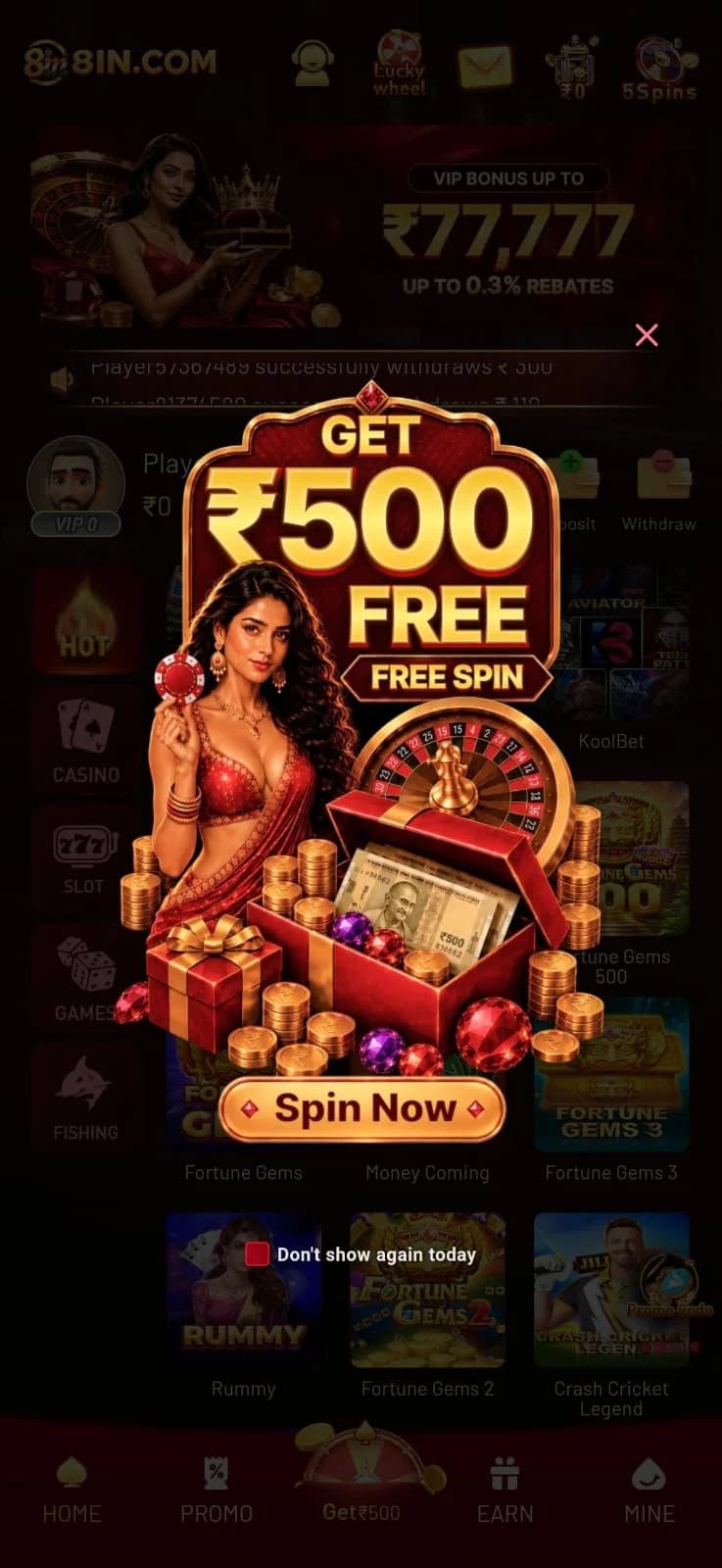
Even on well-optimized gaming platforms, technical glitches, connectivity drops, and transaction questions can arise. Knowing how to diagnose and resolve these issues quickly ensures your gaming sessions remain enjoyable and secure. This 8IN troubleshooting guide compiles the most frequently encountered issues on the platform, providing clear, practical steps to resolve them.
For related topics, you can also explore our 8IN login help guide, check our 8IN download and installation tutorial, or review our 8IN deposit and withdrawal guide.
Overview of 8IN Support & Self-Service Help
The 8IN platform provides several built-in avenues for player assistance, starting with the prominent headset icon in the top header. Before reaching out to live agents, however, many common problems can be solved through straightforward self-service diagnostics.
Our editorial team evaluated real user scenarios and compiled this reference guide. To learn more about our independent testing methodology, visit our About 8IN platform resource. You can also explore our foundational complete 8IN platform guide for an overall orientation.
Android APK Installation & Update Issues
When installing or updating the Android APK, users occasionally encounter installation errors:
- "Installation Blocked by Play Protect": Google Play Protect frequently flags APK files downloaded outside the Play Store. Tap "More details" followed by "Install anyway" to complete installation of verified files obtained through our 8IN download guide.
- "Parse Error / There was a problem parsing the package": This typically indicates an incomplete download caused by an interrupted internet connection. Delete the corrupted file, clear browser cache, and download the APK again.
- App Crashing on Launch: Ensure your phone has at least 200MB of free internal storage. Go to Android Settings > Apps > 8IN > Storage, and tap "Clear Cache".
For more details on mobile usability, refer to our 8IN mobile app walkthrough or inspect our comprehensive mobile app features guide.
Login Failures & OTP Verification Delays
If you find yourself locked out or unable to sign in:
- Verify Number Formatting: Do not enter prefixes like "+91" or leading zeros into the mobile input field. Enter only your 10-digit number.
- Password Errors: Passwords are case-sensitive. Use the eye icon in the password field to verify your input. If needed, use the self-service reset outlined in our 8IN login tutorial.
- OTP Delays: If your SMS code does not arrive within 60 seconds, ensure your handset is receiving regular SMS messages and that Do Not Disturb (DND) is not blocking notifications.
If you do not yet have an account, review our step-by-step 8IN registration tutorial or our account setup walkthrough.
Deposit Discrepancies & Pending Withdrawals
Payment-related questions are among the most common across online gaming platforms:
| Symptom | Likely Root Cause | Recommended Solution |
|---|---|---|
| Deposit not showing in balance | UTR / Ref number was not submitted on the payment gateway page. | Locate the 12-digit UTR in your payment app and submit it to in-app support along with your screenshot. |
| Withdrawal marked "Failed" | Incorrect IFSC code or name mismatch between bank and profile. | Re-enter your banking details accurately, ensuring the account name matches your registered identity. |
| Withdrawal stuck in "Pending" | Bank processing window or uncompleted promotional wagering rollover. | Check active bonus terms under the PROMO tab; allow up to 24 hours during banking maintenance windows. |
For full details on payment timelines and cash-back tiers, read our 8IN deposit and withdrawal guide.
Game Freezes & In-Round Disconnections
If your game freezes while playing high-speed titles like Aviator or live dealer tables from Evolution:
- Server-Side Resolution: All game rounds are logged on central servers. If you placed a valid bet and disconnected, the round resolves server-side automatically. Auto-cashout settings execute even if your device loses connection.
- WebGL / Hardware Acceleration: If slot reels in Fortune Gems appear choppy, ensure hardware acceleration is toggled on in your browser settings.
To learn more about game mechanics and supported providers, explore our 8IN game lobby overview and our 8IN games platform guide.
Avoiding Fake Prediction Bots & Phishing Scams
A critical safety warning for all players: numerous fraudulent actors on Telegram, YouTube, and WhatsApp claim to sell "Aviator Predictor Mods", "8IN Signal Bots", or guaranteed winning formulas. These are 100% fraudulent scams.
No external software can predict RNG-certified game rounds. Sharing your login details or paying money for these bots will result in lost funds and compromised accounts. Always play directly through official channels and review our terms of use.
How to Contact Official 8IN Customer Support
To reach verified customer support agents:
- Launch the 8IN application or website.
- Tap the customer care Headset Icon in the top header.
- Select your query category (Deposit, Withdrawal, Account, or Game Issue).
- Provide your Player ID and transaction reference number if applicable.
Responsible Gaming Resources & Self-Exclusion
If you feel your gaming habits are becoming difficult to manage, 8IN provides options to set daily deposit caps, take cooling-off breaks, or request voluntary account self-exclusion. Never treat gaming as a substitute for income, and explore our dedicated responsible gaming support guide for contact links to professional advisory organizations.
To review the complete platform overview, return to our complete 8IN platform guide.
Experience 8IN on Mobile or Web Today
Join the platform to access certified games like Aviator and Fortune Gems, claim your welcome spin, and enjoy instant UPI deposits in Indian Rupees.
Questions About Common 8IN Questions and Troubleshooting Guide
Fact-checked answers based on official platform features.
Related 8IN Guides
Complete 8IN Guide: Platform, Games, App and Account Setup
A comprehensive, fact-checked overview of 8IN. Explore the platform interface, supported game categories, mobile app options, account registration steps, and wallet management.
8IN Games Guide: How the Platform and Game Categories Work
Explore the 8IN gaming library in detail. Learn about crash games like Aviator, JILI slot series, Evolution live casino rooms, traditional Rummy, and mobile game lobby navigation.
8IN App Guide: Mobile Access, Features and Navigation
A complete guide to using 8IN on your mobile device. Compare the mobile web portal and the Android APK, explore interface navigation, and troubleshoot common mobile issues.